Playing Magic The Gathering through Tabletop Simulator offers card game enthusiasts a versatile digital environment to test decks and compete with distant friends. The physics engine and sandbox design recreate the tactile feeling of a real card table while automating several tedious physical steps. Understanding the necessary setup procedures and interface controls will ensure your online Commander sessions or standard matches run smoothly.
Setting Up Your Virtual Tabletop Environment
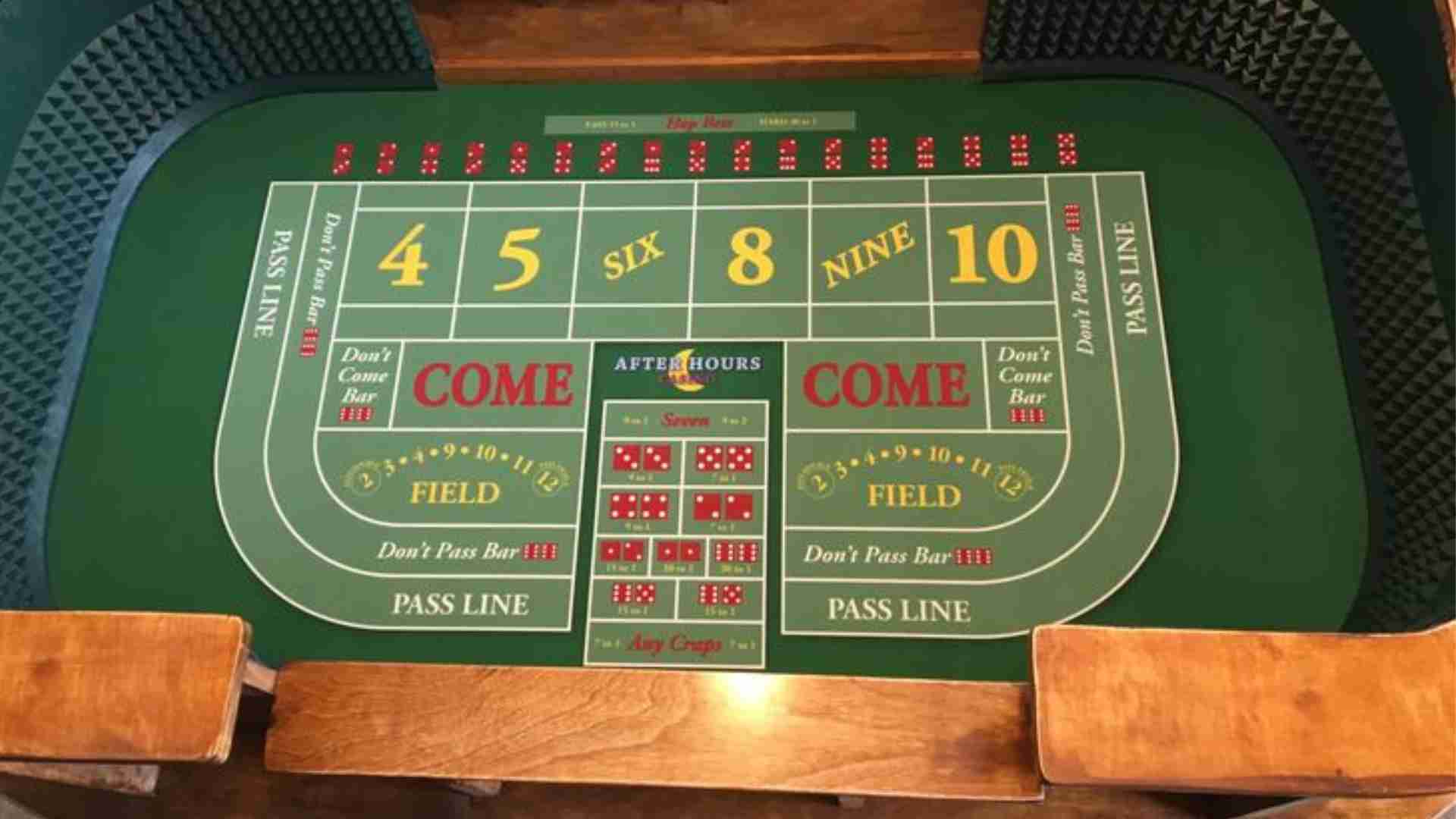
Before launching a game, hosting players need to choose a suitable Steam Workshop table layout designed specifically for card gaming. Downloading dedicated Magic modules provides clean playmats with designated areas for your library, graveyard, battlefield zones, and command zone. These custom tables often include scripted life counters and deck importers that streamline game preparation.
Importing your personal deck lists into Tabletop Simulator is typically handled through popular deck-building websites or custom deck loaders. Players simply copy their deck URL into the provided in-game text field to spawn their cards instantly. Verifying that card sleeves and custom tokens load correctly ensures everyone at the table sees clear card art.
Understanding Controls and Fundamental Rules Mechanics
Navigating cards on a virtual board relies on a few key keyboard shortcuts and mouse actions. Players can flip cards over using the flip key, draw cards directly to their hands by hovering over the deck, and tap lands by rotating objects. Learning these basic shortcuts prevents accidental card reveals and maintains a steady game tempo.
While Tabletop Simulator handles physics, players must manually track state changes, triggered abilities, and phase progression just as they would in real life. Utilizing built-in counter tokens or dice helps track loyalty points, commander damage, and temporary stat buffs across complex board states. Clear communication via voice chat remains essential for declaring phase transitions and priority passes.
Multiplayer Tips for Smooth Online Games
Managing four-player Commander games or multiplayer free-for-alls requires establishing table etiquette to prevent miscommunication. Players should draw visible hand privacy zones and utilize the screen lock feature on sensitive board elements to avoid accidental movements. Setting up organized playing areas for each player prevents battlefield cards from overlapping during hectic turns.
To maintain game performance, avoid spawning unnecessary high-resolution 3D models or excessive animated tokens during play. If performance issues arise or cards fail to load, clearing the in-game cache or re-importing the deck list usually resolves the problem instantly. Respecting turn timers and using keybinds actively helps create a fluid, enjoyable tabletop experience for all participants.